
Smart Lock Installation in Yeadon, PA Done Right
If you want a smart lock installed on your home in Yeadon, call a locksmith who will confirm compatibility and explain options over the phone. A technician will answer questions and walk you through what to expect before any work begins.
- Insured & Vetted
- Mon-Thu & Sun 7:00AM-10:00PM, Fri 7:00AM-4:30PM
- Delaware + nearby PA
Is this service right for you?
If you live in a house or apartment in Yeadon and are thinking about upgrading an exterior door to a smart lock, this service is for you. Homeowners and renters who need secure, key-free entry, remote access, or integration with existing systems will find practical help here.
Replacing a deadbolt with a smart lock
Upgrade your current deadbolt to a smart lock for keyless convenience and enhanced security.
Pairing a lock to a home hub
Connect your smart lock to your home hub for centralized and automated door control.
Adding keypad access for family
Install a keypad on your smart lock to give family members easy and secure access.
Converting rental unit entry
Modify the entry system of your rental unit to allow for flexible tenant access options.
Enhance your lock system to manage door entry remotely using your smartphone or devices.
Call (302) 551-2550Dealing with this in Yeadon right now? We can usually reach Yeadon the same day you call.
(302) 551-2550How a visit works
- 1
Phone assessment
Describe the door, lock type, and any smart-home devices you already have so the tech can suggest compatible options and quote a price.
- 2
On-site check
The locksmith inspects the door, existing hardware, and wiring or batteries to confirm fit and list any additional parts required.
- 3
Install and program
After agreeing to the quote, the technician installs the smart lock, fits the strike and trim, then programs codes, Bluetooth, or Wi‑Fi settings.
- 4
Test and teach
Final testing covers locking, unlocking, and remote functions; the tech walks you through app setup and hands over backup keys or codes.
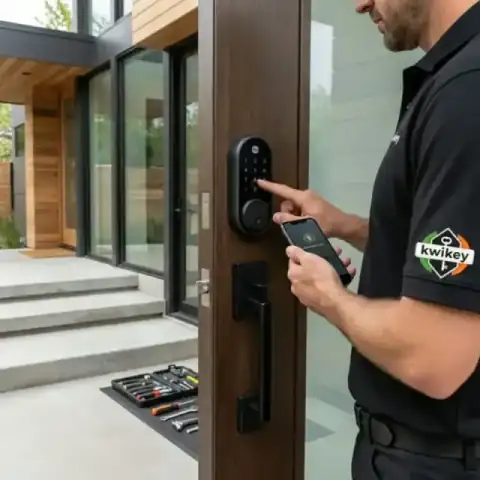 Tested before handoff
 Work from our own vans
Photos from jobs our technicians have finished across Yeadon and the rest of the service area. Every image below is our own work, taken on site.
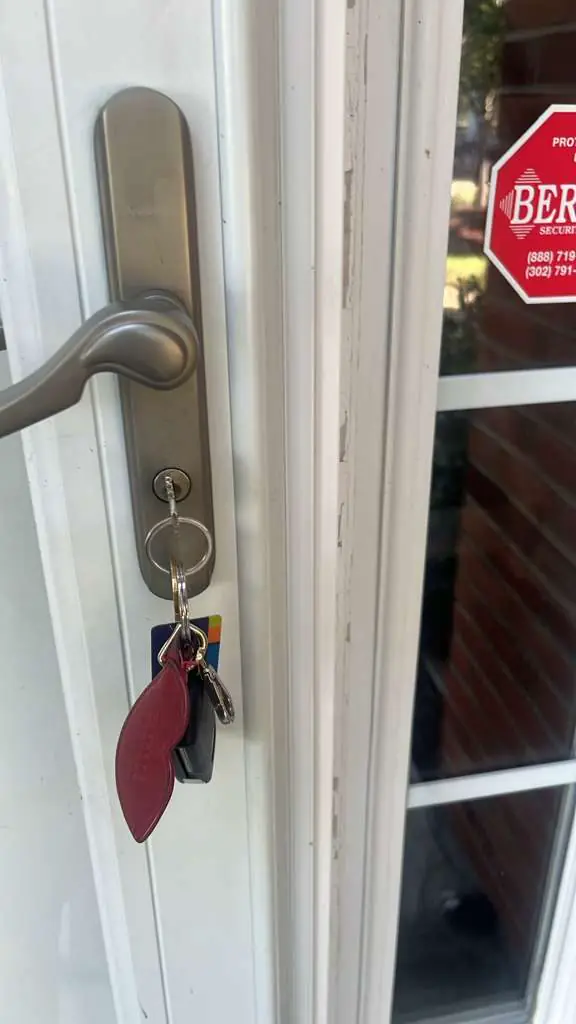
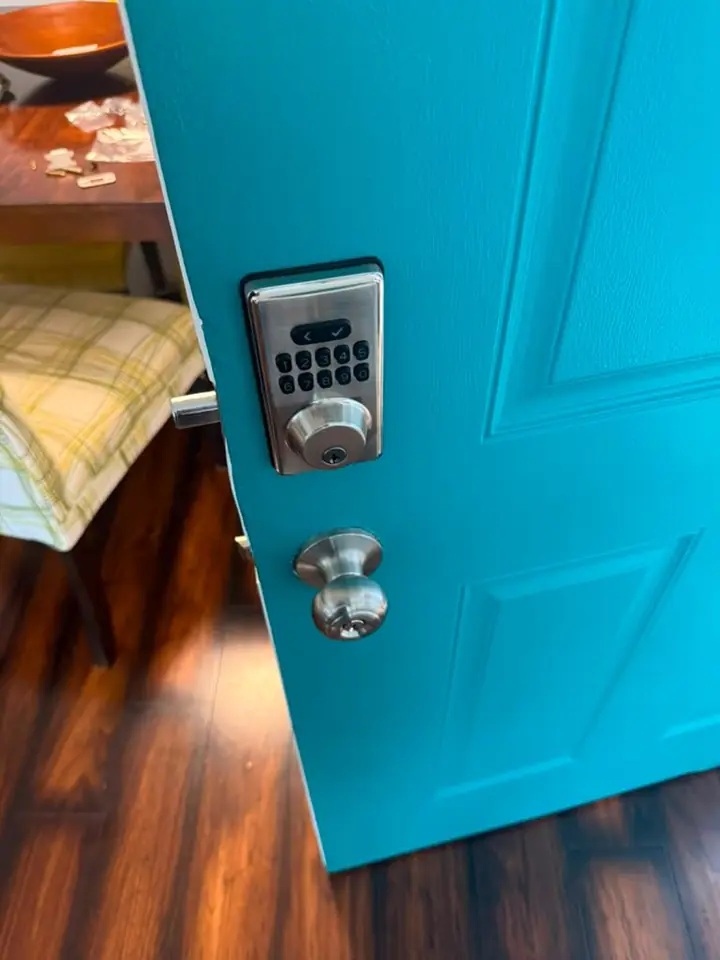
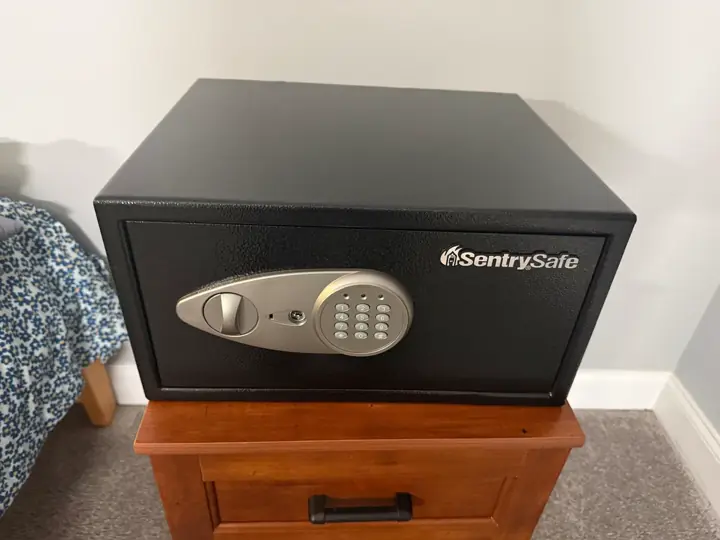
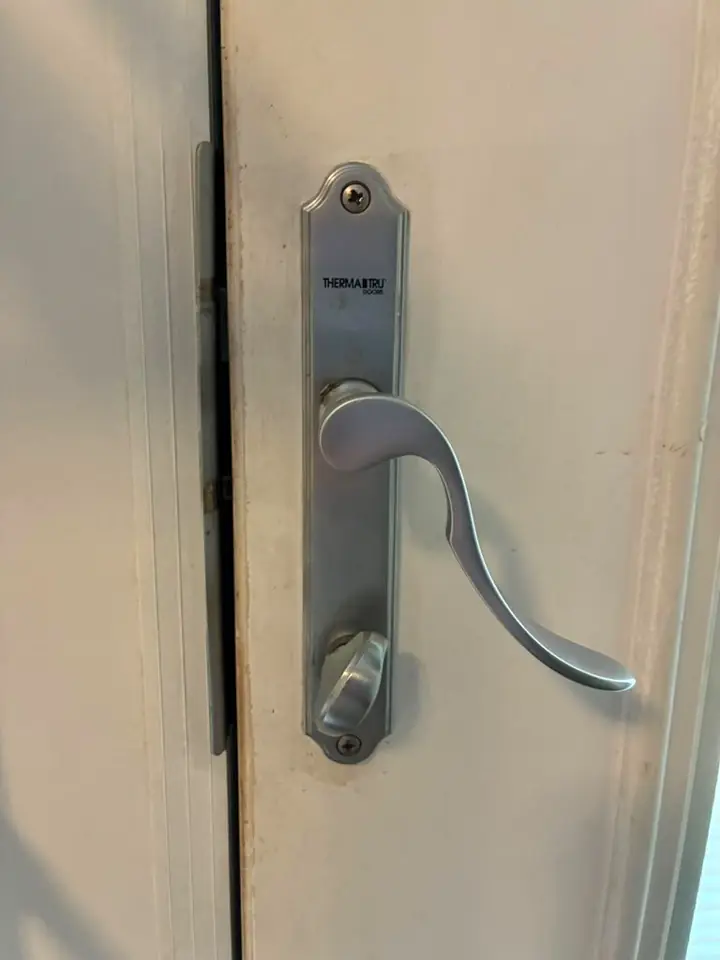
Photographed on our own jobs. No stock images.
Smart Lock Installation service area
We provide smart lock installation in Yeadon, PA and the surrounding Delaware County area. The same crew that reaches Yeadon also covers Lansdowne and East Lansdowne; pick your town or call with your address.
Smart Lock Installation in Yeadon, PA
Kwikey Locksmith handles residential smart lock installation for homes in Yeadon, PA. Residents who want to swap a traditional deadbolt for an electronic or app-controlled lock can get help tailored to their door and setup.
Yeadon lies within Delaware County, PA, and shares postal coverage with adjacent towns. Our team serves Yeadon addresses and frequently works with residents who use postal routes that overlap neighboring communities. Nearby towns we also serve include Lansdowne, East Lansdowne, Darby, Upper Darby, and Colwyn. Calls for Yeadon service start with a short phone assessment so you can receive a clear quote and prepare any details. We can advise whether your chosen smart lock will fit your door before the technician leaves for your home.
Smart lock installation for a typical exterior door can involve a straightforward substitution or a few adjustments. The locksmith first verifies the existing hole size, backset, and whether the door is metal, wood, or fiberglass to ensure the new unit will seat correctly. If the strike plate needs reinforcement, the tech can install a stronger plate or recommend a longer screw pattern to secure the frame. Many smart locks require only the existing deadbolt footprint; others need a different bore or faceplate and those differences are noted during the on-site check. Power options vary by model: some locks run on AA or AAA batteries, while others connect to a door's electrical system or a nearby hub for Wi‑Fi access. The technician will install batteries or connect the device to your network and then walk through pairing it with your phone and any smart-home hubs you use. Programming can include setting up multiple user codes, establishing temporary guest access, or linking to a security system if you have one. We always test locking and unlocking from the inside and outside, verify auto-lock schedules if used, and confirm you have manual backup access such as a traditional key or a mechanical override. If a smart lock needs app installation, the tech will help add your credentials and show how to manage users, logs, and remote unlocking. Documentation of serial numbers and any warranty paperwork is provided where applicable.
What affects the cost
Several factors affect the final quote we provide by phone, so the number can vary from job to job. A clear description of your door, the lock model you want, and whether extra hardware is needed helps the technician give an accurate estimate.
- Lock model and features
- Door material and prep
- Need for additional parts
- Network or hub setup
- Multiple lock installations
Worth knowing before you call
A common misconception is that every smart lock is universally compatible with every door and every smart-home system. Compatibility depends on bore size, backset, and whether you need a lock that communicates via Bluetooth, Z‑Wave, or Wi‑Fi. Speak to the technician about how you intend to use the lock — for example, whether you want remote unlocking, code sharing, or integration with an alarm system — because that determines which models will actually meet your needs. Another frequent concern is battery failure. Modern smart locks include battery status alerts in their apps and many provide mechanical key overrides, so plan for a backup rather than assuming the electronic functions are infallible. If you rent, check your lease before replacing owner‑supplied locks; in some cases tenants add a user code without removing the existing lock. Also, keep in mind that adding a smart lock may change how you manage shared access among family or neighbors, so set up user codes and test them during the visit. Finally, write down reset steps and store spare keys or a mechanical override in a safe place; that prevents lockouts if technology or batteries fail.
Before we arrive
You can make the visit smoother by preparing a few simple things before the technician arrives. Gathering model information and clearing the work area helps speed verification and keeps the process efficient.
- Locate the current lock brand and model
- Remove decorative plates if present
- Clear space around the door inside
- Have your phone and Wi‑Fi password ready
If you live in Yeadon and want a smart lock installed correctly the first time, call (302) 551-2550 to discuss your door and the lock model you prefer. The phone assessment gives a clear quote and explains what the technician will bring to the job. Call (302) 551-2550 from anywhere in Yeadon, or read more about Smart Lock Installation and our Yeadon coverage.
Typical smart lock installation jobs
- Smart deadbolt swap
- Keypad and touchscreen fit
- Bluetooth or Wi‑Fi pairing
- Strike plate reinforcement
- Battery replacement and testing
- App and user setup
Nearby towns we serve
Smart Lock Installation in other towns near Yeadon
Smart lock installation services are available in Yeadon, PA, and nearby communities including Lansdowne and East Lansdowne. We also support residents in Darby and Upper Darby with expert locksmith solutions.
Delaware County, PA — nearest to Yeadon
- Lansdowne, PA
- East Lansdowne, PA
- Darby, PA
- Upper Darby, PA
- Colwyn, PA
- Aldan, PA
- Clifton Heights, PA
- Collingdale, PA
- Sharon Hill, PA
- Drexel Hill, PA
- Glenolden, PA
- Secane, PA
- Springfield, PA
- Folcroft, PA
- Holmes, PA
- Havertown, PA
- Norwood, PA
- Morton, PA
- Prospect Park, PA
- Folsom, PA
- Essington, PA
- Ridley Park, PA
- Swarthmore, PA
- Haverford, PA
- Broomall, PA
- Woodlyn, PA
- Wallingford, PA
- Eddystone, PA
- Media, PA
- Chester, PA
- Parkside, PA
- Villanova, PA
- Newtown Square, PA
- Brookhaven, PA
- Upland, PA
- Radnor, PA
- Lima, PA
- Concordville, PA
- Wayne, PA
- Aston, PA
- Trainer, PA
- Chester Heights, PA
- Linwood, PA
- Marcus Hook, PA
- Boothwyn, PA
- Glen Mills, PA
- Garnet Valley, PA
- Chadds Ford, PA
New Castle County, DE
- Claymont, DE
- Arden, DE
- Bellefonte, DE
- Talleyville, DE
- Edgemoor, DE
- Centerville, DE
- Greenville, DE
- Elsmere, DE
- Prices Corner, DE
- Newport, DE
- Wilmington Manor, DE
- Hockessin, DE
- Stanton, DE
- Marshallton, DE
- Pike Creek, DE
- Wilmington, DE
- Christiana, DE
- Newark, DE
- Delaware City, DE
- Brookside, DE
- New Castle, DE
- Bear, DE
- Kirkwood, DE
- Glasgow, DE
- Middletown, DE
- Odessa, DE
- Townsend, DE
Chester County, PA
- Devon, PA
- Berwyn, PA
- Lionville, PA
- Paoli, PA
- Malvern, PA
- Frazer, PA
- Phoenixville, PA
- West Chester, PA
- Exton, PA
- Chester Springs, PA
- Spring City, PA
- Kimberton, PA
- Kennett Square, PA
- Downingtown, PA
- Thorndale, PA
- Avondale, PA
- Modena, PA
- Glenmoore, PA
- South Coatesville, PA
- Landenberg, PA
- Coatesville, PA
- Toughkenamon, PA
- West Grove, PA
- Elverson, PA
- Sadsburyville, PA
- Honey Brook, PA
- Lincoln University, PA
- Parkesburg, PA
- Cochranville, PA
- Atglen, PA
- Oxford, PA
- Nottingham, PA
Questions from Yeadon customers
These are the questions people ask most before booking this service. If your Yeadon question isn't here, call us — we'll answer it directly.
Can you install a smart lock on any front door in Yeadon?
Most front doors in Yeadon will accept a smart lock, but installation depends on the existing bore hole, backset, and the door material. Describe the door and current lock when you call and the technician will confirm likely compatibility. If modifications are required, those needs will be included in the on-site evaluation and the phone quote.
Will a smart lock work with my home Wi‑Fi in Yeadon?
Some smart locks connect directly to Wi‑Fi, while others use a hub or Bluetooth bridge. If your Yeadon home has a reliable router signal at the door, direct Wi‑Fi models usually work well. The locksmith can test connectivity and recommend a hub if Wi‑Fi does not reach the entry.
Do smart locks need wiring or can they run on batteries in Yeadon homes?
Many smart locks operate on replaceable batteries and require no house wiring, which is common in Yeadon installations. Models that offer advanced features may use a wired adapter or a hub for power and network access. The technician will explain power options and show where to change batteries or connect a low‑voltage feed if necessary.
Can renters in Yeadon get a smart lock installed without violating a lease?
Renters should check their lease or talk to their landlord before installing a permanent smart lock in Yeadon. In many situations a tenant can add a smart lock designed for easy removal or use an add-on device that doesn't change the original hardware. The locksmith can suggest non-permanent options and show how to leave the original lock intact for move-out.
How do I share access with family or guests in Yeadon?
Most smart locks allow multiple user codes and temporary guest codes, managed through the lock's app or control panel. In Yeadon households you can create profiles for family members and set schedules or time-limited access for visitors. The technician will demonstrate code creation and show where to monitor access logs if your model supports them.
Smart lock installation — Yeadon
Call (302) 551-2550 to get a phone quote and schedule an assessment. The technician will confirm compatibility and explain backup options before any work begins.