
Smart Lock Installation in Secane, PA Done Right
We install and configure residential smart locks for homes in Secane, PA. Before any work starts we discuss the lock options and how you want the system to operate.
- Insured & Vetted
- Mon-Thu & Sun 7:00AM-10:00PM, Fri 7:00AM-4:30PM
- Delaware + nearby PA
Is this for you?
If you live in Secane and want keyless entry, remote access, or simpler code sharing, this service fits. Homeowners who value controlled access or who need to replace a failing lock will find smart locks useful.
Replacing a worn deadbolt
Upgrade your old deadbolt to a smart lock for enhanced security and convenience in Secane.
Adding code access for family
Provide family members secure, keyless entry by setting up personalized access codes on your smart lock.
Remote locking from phone
Control your home's locks remotely using your smartphone to lock or unlock doors as needed.
Integrating with a hub
Connect your smart lock to your existing smart home hub for seamless automation and control.
Ensure access during technology failures by pairing your smart lock with traditional key backup methods.
Call (302) 551-2550Dealing with this in Secane right now? We can usually reach Secane the same day you call.
(302) 551-2550How an install visit works
- 1
Confirm fit
We check the existing door and deadbolt so the chosen smart lock will fit without unnecessary modification.
- 2
Discuss options
You choose features like keypad codes, remote access, or integration with a home hub before we begin.
- 3
Install hardware
We mount the lock, secure the bolt, and make sure mechanical operation is reliable and smooth.
- 4
Configure system
We pair the lock to your phone or hub, set up user codes, and show you how to use and maintain it.
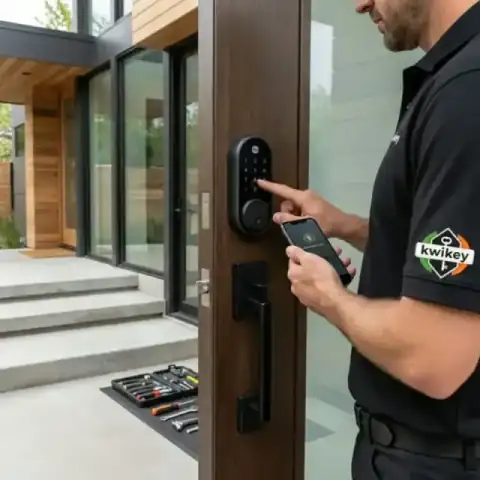 Tested before handoff
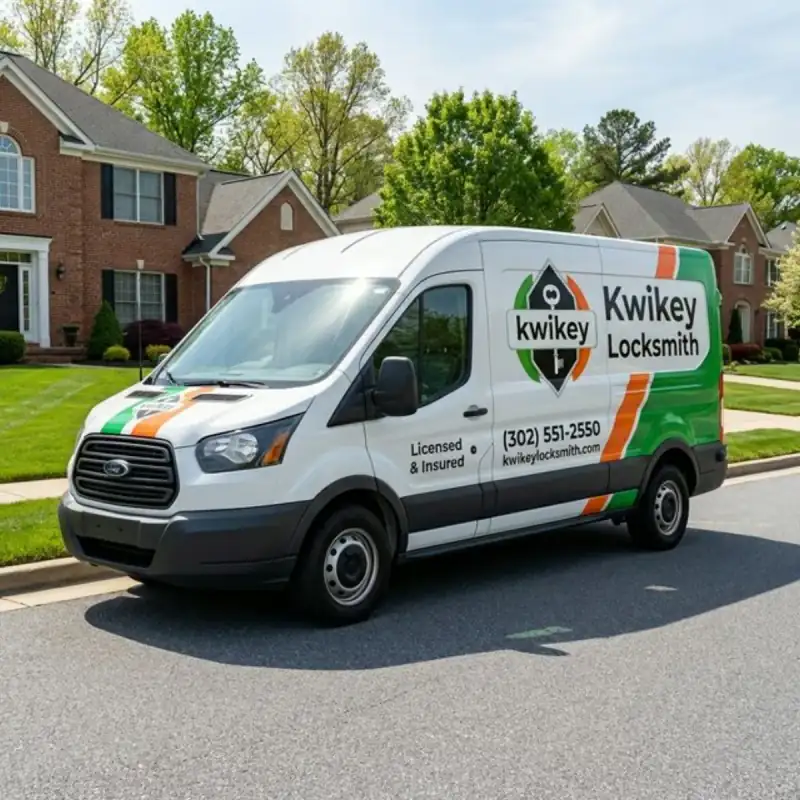
 Work from our own vans
Photos from jobs our technicians have finished across Secane and the rest of the service area. Every image below is our own work, taken on site.
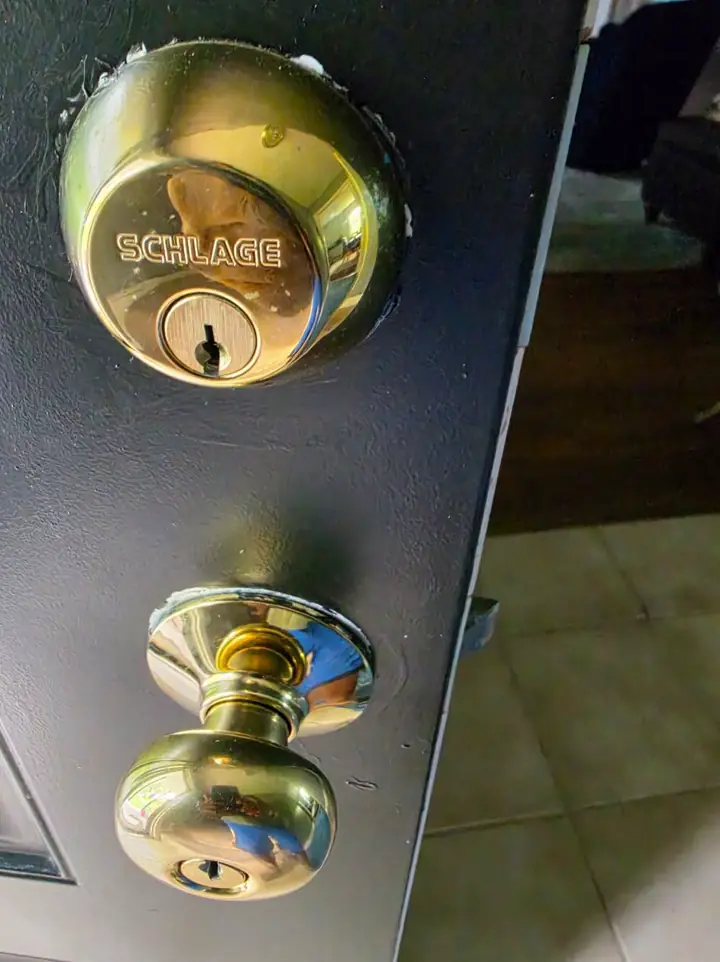
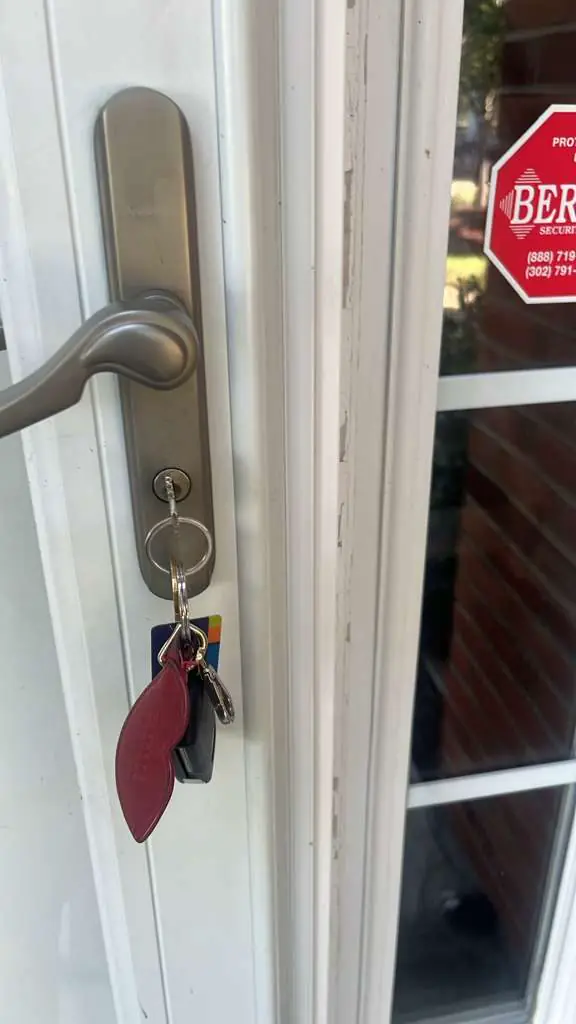
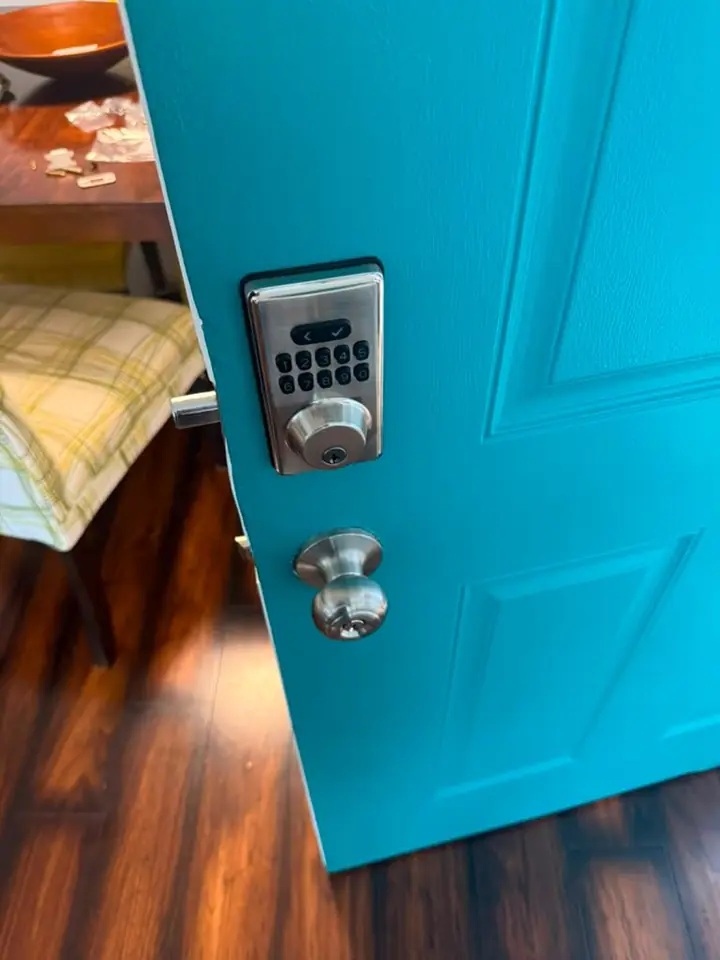
Photographed on our own jobs. No stock images.
Smart Lock Installation service area
We provide smart lock installation in Secane, PA and the surrounding Delaware County area. The same crew that reaches Secane also covers Morton and Glenolden; pick your town or call with your address.
Smart Lock Installation in Secane, PA
Smart locks change how you manage entry at home. In Secane, PA, people call when a traditional key no longer fits their routines or when they want more control over who can enter.
We work across Secane in ZIP 19043 and serve nearby communities including Morton, Glenolden, Springfield, Holmes, and Clifton Heights. Locally based service means we are familiar with common door types and typical deadbolt setups in the area. Homeowners often ask about compatibility with existing trim, porches, or storm doors; we inspect those elements during the appointment. If your house is in Delaware County, PA, we will note any features that affect the installation and walk you through choices. Our focus in Secane is on making the lock operate reliably for your family and on providing clear setup for apps or code management.
A proper smart lock installation starts with assessing the physical door and the deadbolt pocket. Many smart locks are designed to use an existing deadbolt from the interior side while replacing the exterior hardware; other models replace both components. Battery power is common, so we check the battery compartment accessibility and recommend battery type and spare arrangements. Networking options vary: some locks connect directly to Wi‑Fi, while others use a bridge or a home automation hub; we explain the differences and set up the option you choose. We also test the bolt travel and door alignment to avoid jamming or incomplete latches. If you plan to share access with family, guests, or service professionals, we create user codes and show you how to add or remove them. Finally, we leave you with a short walkthrough of app controls, manual key backup, and basic troubleshooting steps so you can use the new lock with confidence.
What affects the cost
Several practical factors influence the overall cost of a smart lock install. We explain which elements matter and provide a quote over the phone before any work begins.
- Lock model and features
- Door material and condition
- Existing deadbolt compatibility
- Network or hub setup
- Extra hardware needs
Worth knowing before you call
Many homeowners assume a smart lock will simply bolt onto any door, but door thickness, strike placement, and trim can affect fit and function. Batteries are the most common ongoing maintenance item; keeping spares on hand prevents lockouts. For anyone worried about power or connectivity, a lock with a manual key override is a sensible choice and one we can leave set up. Remote access is convenient, yet sharing codes is often safer than sharing physical keys because codes can be changed after use. Firmware updates keep the lock secure; we recommend performing them when the device alerts you or during a scheduled check. If you have a smart home hub, ask about compatibility up front so we can configure the lock to work with your existing devices. Finally, if multiple doors or users are involved, plan a simple naming scheme for codes and users to keep administration clear.
Before we arrive
A little preparation before the visit makes the job smoother. These steps help us focus on installing and configuring the lock rather than searching for keys or clearing space.
- Clear the area around the door
- Have the existing key available
- Know which smartphone to pair
- Confirm Wi‑Fi or hub credentials
If you live in Secane and want a smart lock installed or evaluated, call to discuss the specific models and features that fit your home. We provide a clear quote on the phone and answer questions before scheduling the visit. Call (302) 551-2550 from anywhere in Secane, or read more about Smart Lock Installation across Delaware County and the rest of our service area, including Morton and Glenolden.
Typical smart lock installation jobs
- New smart lock fitting
- Upgrade existing deadbolt
- Keypad installation
- Home hub integration
- User code setup
- Battery replacement advice
Nearby towns we serve
Smart Lock Installation in other towns near Secane
Our team provides smart lock installation services in Secane, PA, and nearby areas including Morton and Glenolden. Residents of Springfield and Holmes can also rely on us for secure and efficient smart lock setups.
Delaware County, PA — nearest to Secane
- Morton, PA
- Glenolden, PA
- Springfield, PA
- Holmes, PA
- Clifton Heights, PA
- Aldan, PA
- Collingdale, PA
- Folsom, PA
- Prospect Park, PA
- Norwood, PA
- Folcroft, PA
- Sharon Hill, PA
- Swarthmore, PA
- Drexel Hill, PA
- Ridley Park, PA
- Darby, PA
- Lansdowne, PA
- Colwyn, PA
- Yeadon, PA
- East Lansdowne, PA
- Woodlyn, PA
- Essington, PA
- Upper Darby, PA
- Wallingford, PA
- Eddystone, PA
- Havertown, PA
- Media, PA
- Broomall, PA
- Parkside, PA
- Chester, PA
- Brookhaven, PA
- Upland, PA
- Haverford, PA
- Lima, PA
- Concordville, PA
- Newtown Square, PA
- Aston, PA
- Trainer, PA
- Chester Heights, PA
- Linwood, PA
- Villanova, PA
- Marcus Hook, PA
- Boothwyn, PA
- Radnor, PA
- Wayne, PA
- Glen Mills, PA
- Garnet Valley, PA
- Chadds Ford, PA
New Castle County, DE
- Claymont, DE
- Arden, DE
- Bellefonte, DE
- Talleyville, DE
- Edgemoor, DE
- Centerville, DE
- Greenville, DE
- Elsmere, DE
- Prices Corner, DE
- Newport, DE
- Wilmington Manor, DE
- Hockessin, DE
- Stanton, DE
- Marshallton, DE
- Pike Creek, DE
- Wilmington, DE
- Christiana, DE
- Newark, DE
- Delaware City, DE
- Brookside, DE
- Bear, DE
- New Castle, DE
- Kirkwood, DE
- Glasgow, DE
- Middletown, DE
- Odessa, DE
- Townsend, DE
Chester County, PA
- Devon, PA
- Berwyn, PA
- Lionville, PA
- Paoli, PA
- Malvern, PA
- Frazer, PA
- West Chester, PA
- Phoenixville, PA
- Exton, PA
- Kennett Square, PA
- Chester Springs, PA
- Spring City, PA
- Downingtown, PA
- Kimberton, PA
- Thorndale, PA
- Avondale, PA
- Modena, PA
- Landenberg, PA
- Glenmoore, PA
- South Coatesville, PA
- Coatesville, PA
- West Grove, PA
- Toughkenamon, PA
- Elverson, PA
- Sadsburyville, PA
- Lincoln University, PA
- Honey Brook, PA
- Cochranville, PA
- Parkesburg, PA
- Atglen, PA
- Oxford, PA
- Nottingham, PA
Questions from Secane customers
These are the questions people ask most before booking this service. If your Secane question isn't here, call us — we'll answer it directly.
Can you install a smart lock on my Secane home if the door is older?
Yes, we can assess older doors in Secane and tell you which smart lock designs will work. Sometimes the existing deadbolt can be reused, and other times minor modifications or a different mounting plate are needed. We explain trade-offs and let you choose the more secure or more convenient option.
Will a smart lock still have a physical key for emergencies in Secane?
Most residential smart locks keep a manual key cylinder as a backup, which many Secane homeowners prefer. We set up the lock so the key override remains available while teaching you how to use it. Keeping a separate, secure key location is a good practice.
Do you support smart lock setups with home hubs in Secane?
Yes, we can configure locks to join a compatible hub or bridge used in Secane homes. During the visit we pair the lock to your hub and verify control from your hub's app. If a hub is not present, we will suggest options that meet your control and automation needs.
Will the smart lock work if my Wi‑Fi goes down in Secane?
Basic lock operation is usually mechanical and will continue to function even if Secane Wi‑Fi is down. Remote features and app controls require network connectivity; we discuss fallback options like keypad codes or local key overrides. Planning for occasional outages reduces surprises.
Can you install a smart lock that lets me give temporary codes to visitors?
Yes, many residential smart locks allow you to create time-limited or one-time codes for visitors. We configure and test those codes with you so you understand how to add, edit, and delete them. This is often safer than leaving a spare key behind for short-term access.
Secane smart lock install
Call (302) 551-2550 to talk through what you need and to get a phone quote. We will explain the options and what to expect during the visit.