
Smart Lock Installation in Trainer, PA Done Right
We install smart locks on residential doors in Trainer, PA so you can control access from your phone or keypad. Our technicians bring the hardware and do the setup on-site.
- Insured & Vetted
- Mon-Thu & Sun 7:00AM-10:00PM, Fri 7:00AM-4:30PM
- Delaware + nearby PA
Who needs smart locks
Smart locks are useful when you want keyless entry at your home or easier access for household members. They also help when you need temporary codes for guests or service providers.
Replacing lost keys
When keys go missing, installing smart locks eliminates the risk of unauthorized entry.
Adding keypad access
Keypad systems let you enter Trainer homes without needing physical keys at all.
Remote entry control
Control who enters your property remotely using a smartphone app for added security.
Granting temporary codes
Temporary access codes can be given to visitors or service personnel for limited times.
Modernize your home’s security by swapping outdated deadbolts for advanced smart lock models.
Call (302) 551-2550Dealing with this in Trainer right now? We can usually reach Trainer the same day you call.
(302) 551-2550How a visit typically goes
- 1
Inspect door and hardware
First we check the door, strike plate and existing lock so the new smart lock will fit and operate correctly; this prevents surprises during installation.
- 2
Select compatible lock
Next we show compatible options that meet your needs for keypad, Bluetooth or Wi‑Fi control, and discuss battery types and backup keys if available.
- 3
Install and mechanical setup
The technician fits the smart lock to your door, secures the deadbolt and makes any minor adjustments to ensure smooth operation without drilling beyond what's necessary.
- 4
Configure and test
Finally we pair the lock with your phone or hub, set up user codes or schedules you requested, and run through several tests to confirm features work as expected.
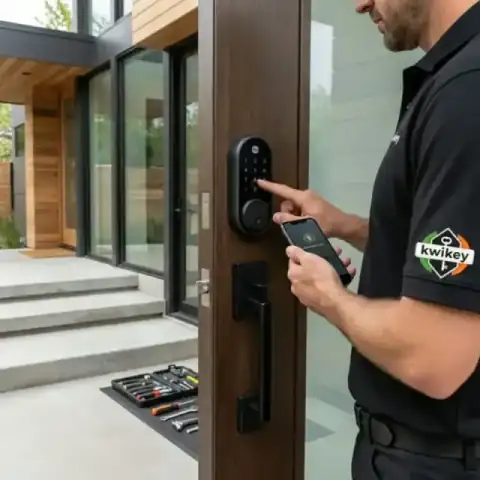 Tested before handoff
 Work from our own vans
Photos from jobs our technicians have finished across Trainer and the rest of the service area. Every image below is our own work, taken on site.
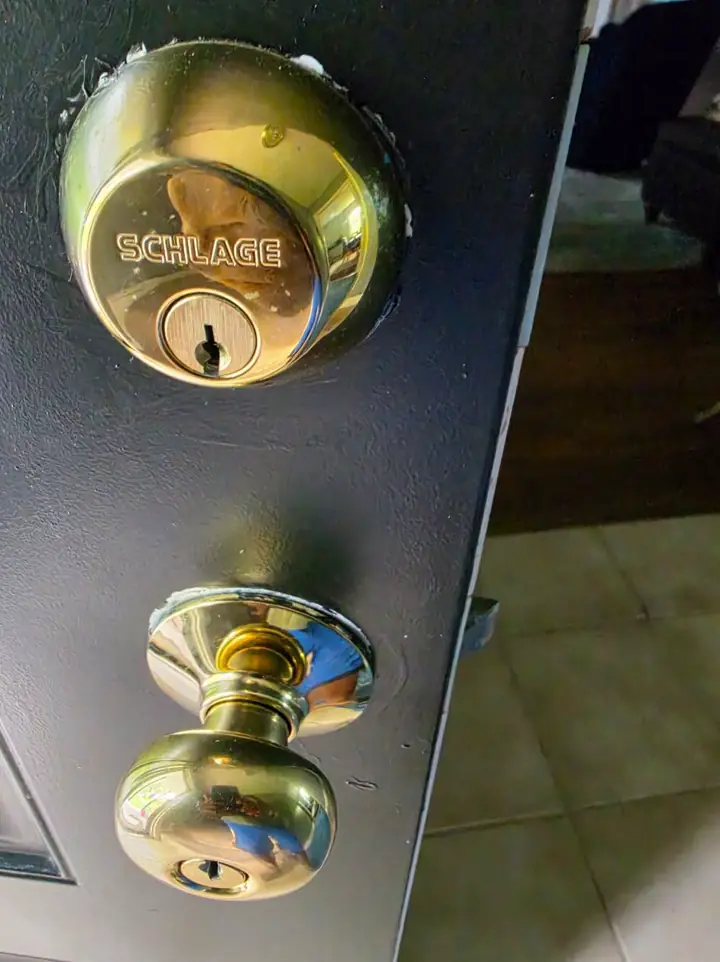
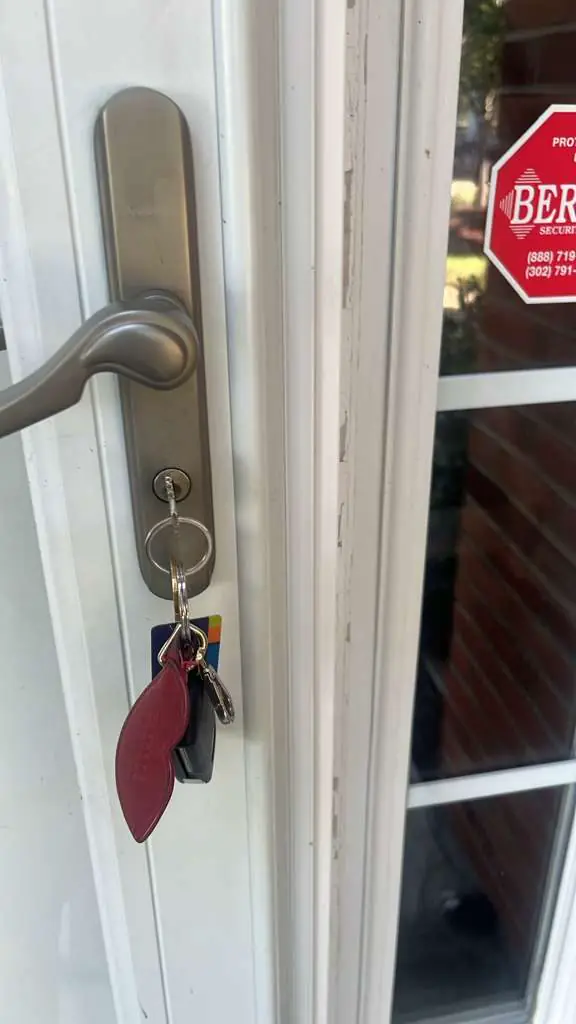
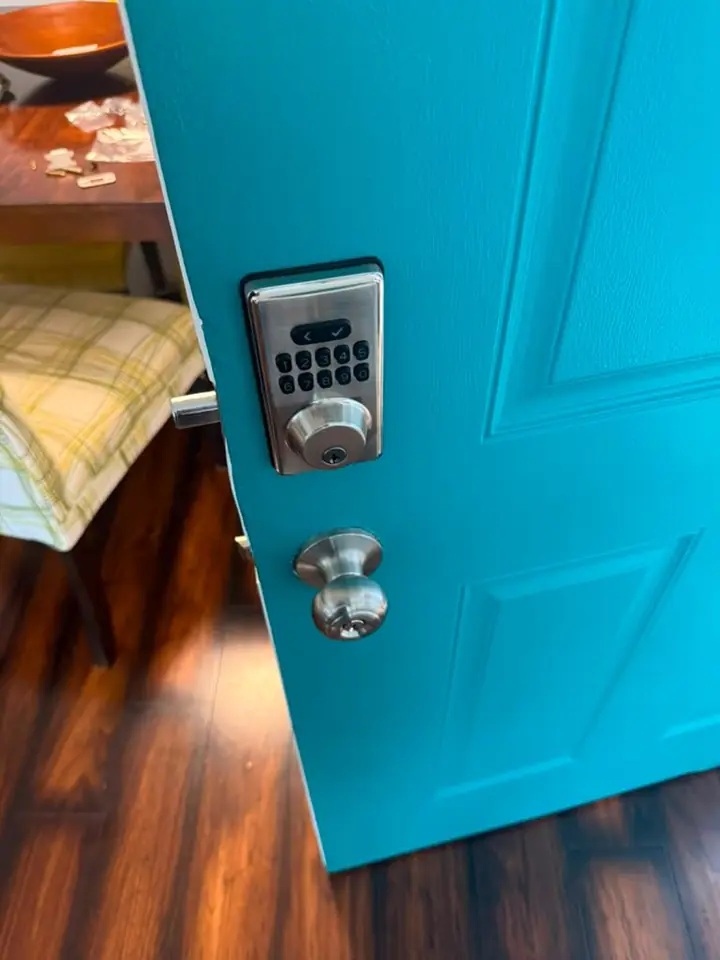
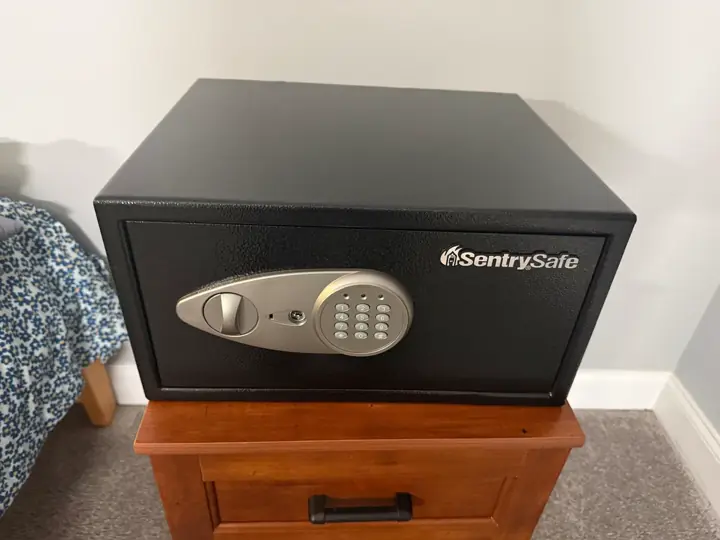
Photographed on our own jobs. No stock images.
Smart Lock Installation service area
We provide smart lock installation in Trainer, PA and the surrounding Delaware County area. The same crew that reaches Trainer also covers Linwood and Marcus Hook; pick your town or call with your address.
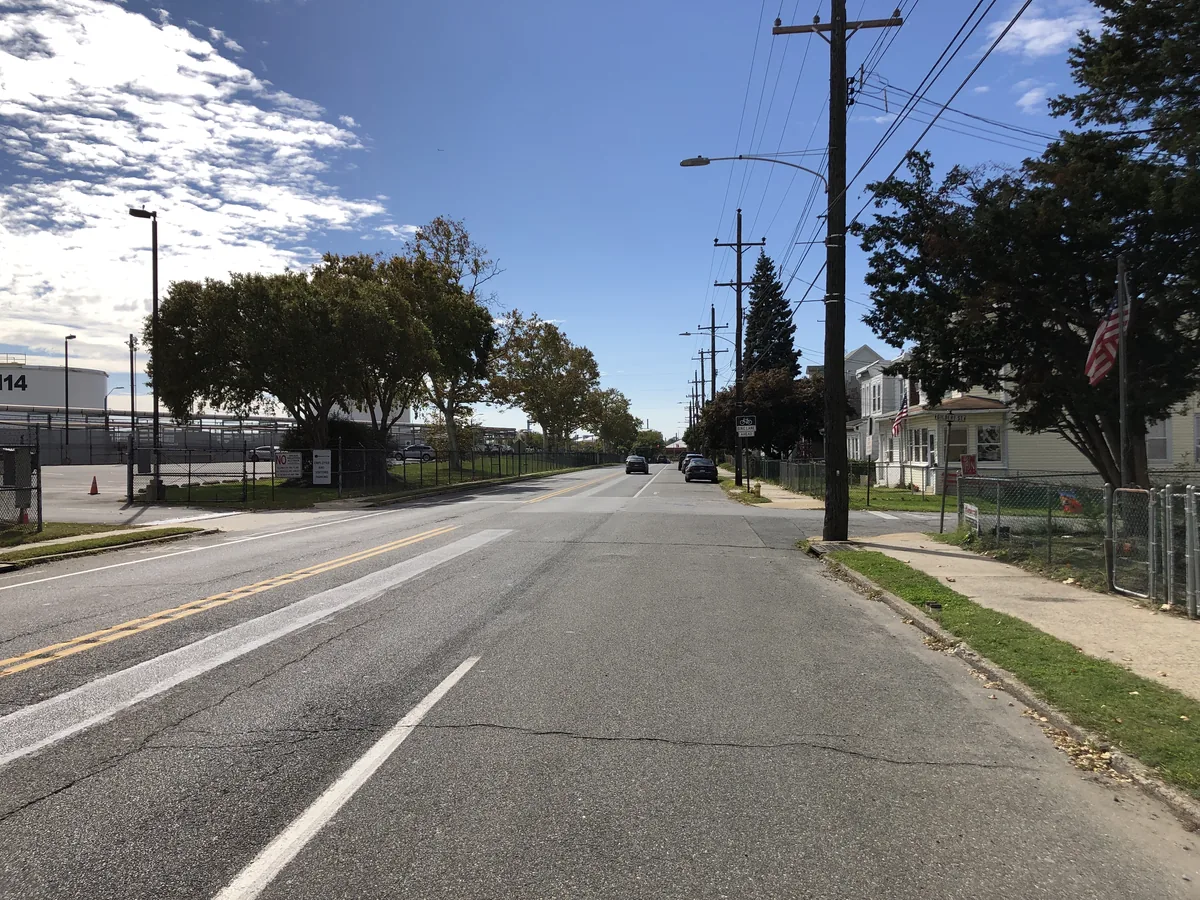
Smart Lock Installation in Trainer, PA
If you live in Trainer, PA and want to upgrade to a smart lock, we can help on the same phone call. We bring products and the expertise to set up remote access, keypad entry and backup options.
Trainer, PA shares postal coverage with adjacent towns and our mobile team works throughout the area. Nearby towns we serve include Linwood, Marcus Hook, Boothwyn, Upland and Brookhaven. That local coverage means the technician who comes is familiar with doors and common lock types in the neighborhood. We carry the parts most often needed for residential deadbolts and handle the electrical pairing for Wi‑Fi or Bluetooth models. If you have questions about compatibility before the visit, mention your door type and the brand of any existing hardware when you call.
A smart lock installation at a residence involves both mechanical and electronic steps. Mechanically, the new unit must align with the bolt, the strike plate and the door edge; dimensions matter and we verify them before committing to a model. On the electronic side the lock needs to be paired to your phone, a hub, or a home automation system depending on the product you choose. Battery orientation and backup power options are discussed so you are not surprised when batteries run low, and we show how to change them. If you want keypad access we program codes and explain how to add or delete them later. For locks with remote access we help you connect the lock to your home network and clarify what is controlled locally versus through a cloud service. We also cover physical backup options such as using a mechanical key or a secondary deadbolt for redundancy. After installation we demonstrate lock operation from the outside, inside and via the app so you can confirm permissions and routines.
What affects the cost
Cost depends on the lock model you choose, the condition of the door and whether any additional parts are required. We will provide a quote on the phone before work begins and confirm what is included.
- Lock model and features
- Existing hardware condition
- Need for adapter plates
- Extra security options
- App or hub integration
Worth knowing before you call
Homeowners often think any smart lock will fit any door, but fit and backset matter and will determine which models work without extra hardware. Another common misconception is that smart locks eliminate the need for a physical key; some models include mechanical backups and we can discuss those trade‑offs. Smartphone control is convenient, however app access and cloud services have different privacy and security considerations you should review before enabling remote entry. If multiple people need access, set up user accounts or codes rather than sharing a single credential; that makes it easier to revoke access later. Consider where you will place your hub or router if the lock needs a bridge for remote control; signal strength can affect reliability. Finally, keep spare batteries on hand; many failures we encounter are simply due to depleted batteries and a quick swap restores full functionality.
Before we arrive
A few quick preparations speed the appointment and make the install smoother. Gathering basic information about your door and current lock helps the technician choose parts in advance.
- Note the existing lock brand and model if visible
- Measure backset and door thickness if possible
- Have any home automation hub info available
- Charge the phone you plan to use with the lock app
If you would like a smart lock installed at your Trainer home, call (302) 551-2550 to discuss options and get a phone quote. The technician will arrive with suggested models and the parts needed to complete the job. Call (302) 551-2550 from anywhere in Trainer, or read more about Smart Lock Installation across Delaware County and the rest of our service area, including Linwood and Marcus Hook.
Typical smart lock installation jobs
- Smart deadbolt installation
- Keypad programming
- Bluetooth pairing
- Wi‑Fi setup
- Battery replacement guidance
- Code management
Nearby towns we serve
Smart Lock Installation in other towns near Trainer
We provide smart lock installation services in Trainer, PA, and the surrounding areas. Our team also serves nearby towns such as Linwood, Marcus Hook, and Boothwyn to ensure your property stays secure.
Delaware County, PA — nearest to Trainer
- Linwood, PA
- Marcus Hook, PA
- Boothwyn, PA
- Upland, PA
- Brookhaven, PA
- Parkside, PA
- Aston, PA
- Chester, PA
- Eddystone, PA
- Wallingford, PA
- Chester Heights, PA
- Garnet Valley, PA
- Woodlyn, PA
- Swarthmore, PA
- Ridley Park, PA
- Folsom, PA
- Concordville, PA
- Lima, PA
- Media, PA
- Prospect Park, PA
- Glen Mills, PA
- Morton, PA
- Essington, PA
- Holmes, PA
- Norwood, PA
- Secane, PA
- Folcroft, PA
- Glenolden, PA
- Springfield, PA
- Sharon Hill, PA
- Collingdale, PA
- Clifton Heights, PA
- Aldan, PA
- Chadds Ford, PA
- Drexel Hill, PA
- Colwyn, PA
- Broomall, PA
- Darby, PA
- Newtown Square, PA
- Lansdowne, PA
- Yeadon, PA
- East Lansdowne, PA
- Upper Darby, PA
- Havertown, PA
- Haverford, PA
- Wayne, PA
- Villanova, PA
- Radnor, PA
New Castle County, DE
- Claymont, DE
- Arden, DE
- Bellefonte, DE
- Edgemoor, DE
- Talleyville, DE
- Centerville, DE
- Greenville, DE
- Elsmere, DE
- Prices Corner, DE
- Newport, DE
- Wilmington Manor, DE
- Stanton, DE
- Marshallton, DE
- Hockessin, DE
- Wilmington, DE
- Pike Creek, DE
- Christiana, DE
- Newark, DE
- Delaware City, DE
- Brookside, DE
- Bear, DE
- New Castle, DE
- Kirkwood, DE
- Glasgow, DE
- Middletown, DE
- Odessa, DE
- Townsend, DE
Chester County, PA
- Lionville, PA
- West Chester, PA
- Berwyn, PA
- Devon, PA
- Kennett Square, PA
- Paoli, PA
- Frazer, PA
- Malvern, PA
- Avondale, PA
- Exton, PA
- Landenberg, PA
- Downingtown, PA
- Phoenixville, PA
- Thorndale, PA
- Chester Springs, PA
- West Grove, PA
- Modena, PA
- Toughkenamon, PA
- South Coatesville, PA
- Coatesville, PA
- Kimberton, PA
- Lincoln University, PA
- Spring City, PA
- Glenmoore, PA
- Cochranville, PA
- Sadsburyville, PA
- Parkesburg, PA
- Elverson, PA
- Oxford, PA
- Honey Brook, PA
- Atglen, PA
- Nottingham, PA
Questions from Trainer customers
These are the questions people ask most before booking this service. If your Trainer question isn't here, call us — we'll answer it directly.
Will a smart lock fit my existing deadbolt in Trainer, PA?
Many smart locks are designed to fit over or replace common deadbolt preparations, but compatibility depends on backset and door thickness. When you call, tell us about the current lock and we will confirm whether an adapter or a different model is needed. If a modification is required we will explain the options before starting work.
Can I still use a key with a smart lock in Trainer, PA?
Some smart locks include a mechanical key cylinder as a backup while others go keyless. We will point out models that keep a traditional key option and show how that key interacts with electronic features during the demonstration. Your preference for backup access will guide the selection.
Will the smart lock work if my Wi‑Fi goes out in Trainer, PA?
Functionality during a Wi‑Fi outage depends on the product; many locks still operate locally via keypad or Bluetooth even when cloud services are down. Remote commands through your phone typically require a bridge or internet connection. We discuss offline behavior for the specific lock you choose before installation.
Do smart locks require special maintenance in Trainer, PA?
Routine maintenance is simple: change batteries when indicated, keep the bolt area clean, and update firmware through the manufacturer's app when recommended. Avoid lubricants that attract dust and follow the product guide for long life. Regular checks prevent surprises.
Can I give temporary codes to guests or service workers?
Yes, most keypad and app‑based locks allow you to create time‑limited or single‑use codes for visitors. During setup we can program example codes and show you how to add or revoke them from your phone. Using separate codes for different people helps track and manage access.
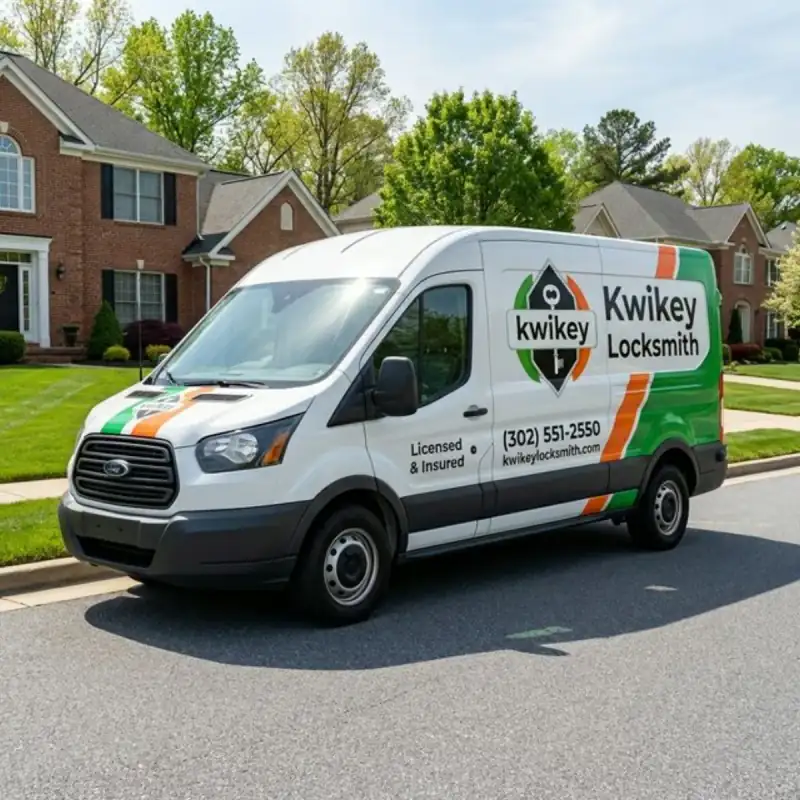
Trainer smart lock service
Call (302) 551-2550 to set up an installation or ask compatibility questions. We will confirm features and a quote on the phone before any work begins.