
Smart Lock Installation in Kirkwood, DE Done Right
We install smart deadbolts and electronic locks on homes in Kirkwood. Call for a quoted price and a clear explanation before any work starts.
- Insured & Vetted
- Mon-Thu & Sun 7:00AM-10:00PM, Fri 7:00AM-4:30PM
- Delaware + nearby PA
Who needs this service
Homeowners who want keyless entry, better control, or remote access often choose smart locks. If you live in Kirkwood and are worried about lost keys, shared access, or outdated hardware, this service is for you.
Replacing lost or stolen keys
When keys go missing, smart locks eliminate the need for traditional key replacement hassles.
Adding keypad entry
Keypad entry provides easy and secure access without carrying physical keys.
Upgrading old deadbolts
Old deadbolts can be upgraded for enhanced security and modern convenience.
Remote access setup
Set up remote access to control your lock from anywhere using your smartphone.
Allow guests temporary entry without giving out physical keys or codes.
Call (302) 551-2550Dealing with this in Kirkwood right now? We can usually reach Kirkwood the same day you call.
(302) 551-2550How a visit works
- 1
Initial assessment
We inspect the door, frame, and strike to confirm compatibility and note any issues that need addressing.
- 2
Hardware selection
We explain suitable smart lock models, battery needs, and whether the existing cylinder or latch can be reused.
- 3
Professional installation
Technicians mount the lock, configure basic settings, and test locking, unlocking, and any wireless features.
- 4
Final walkthrough
You receive a demonstration of operation, instructions for adding users, and guidance on battery and network care.
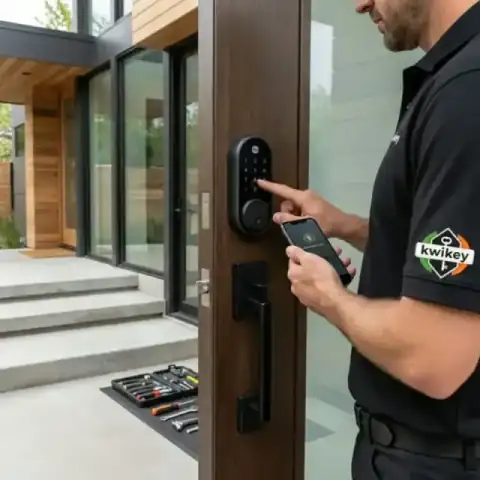 Tested before handoff
 Work from our own vans
Photos from jobs our technicians have finished across Kirkwood and the rest of the service area. Every image below is our own work, taken on site.
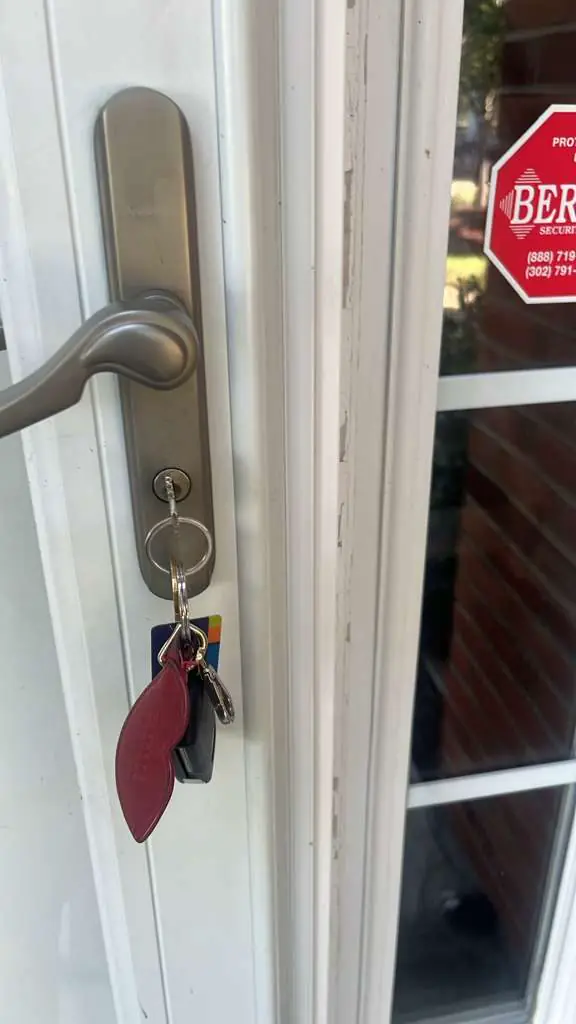
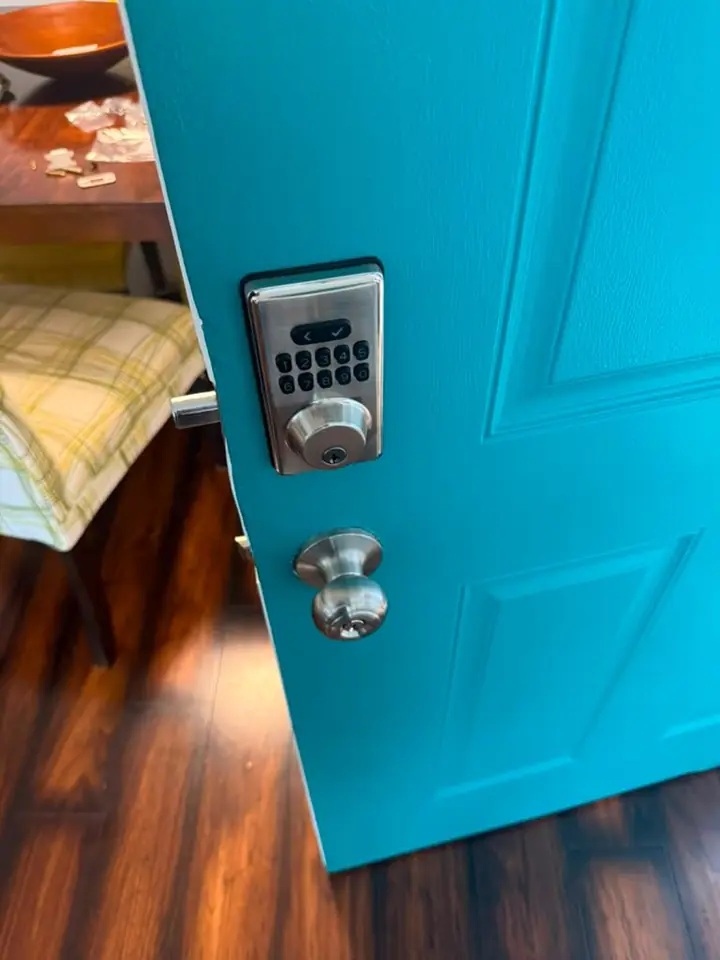
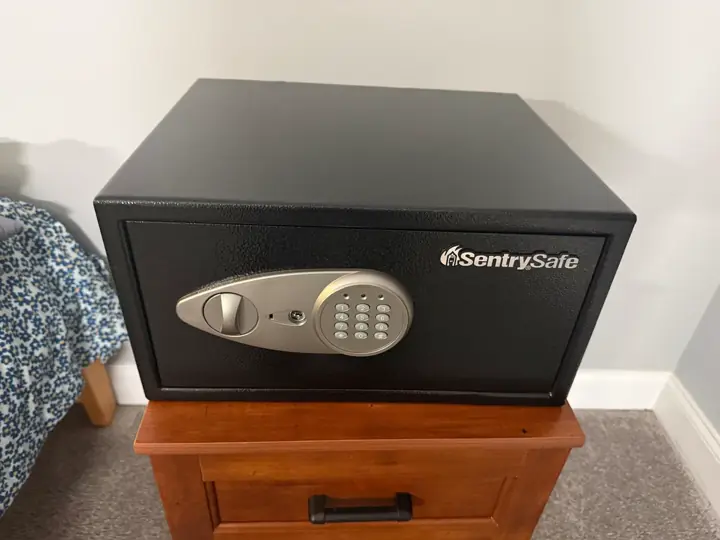
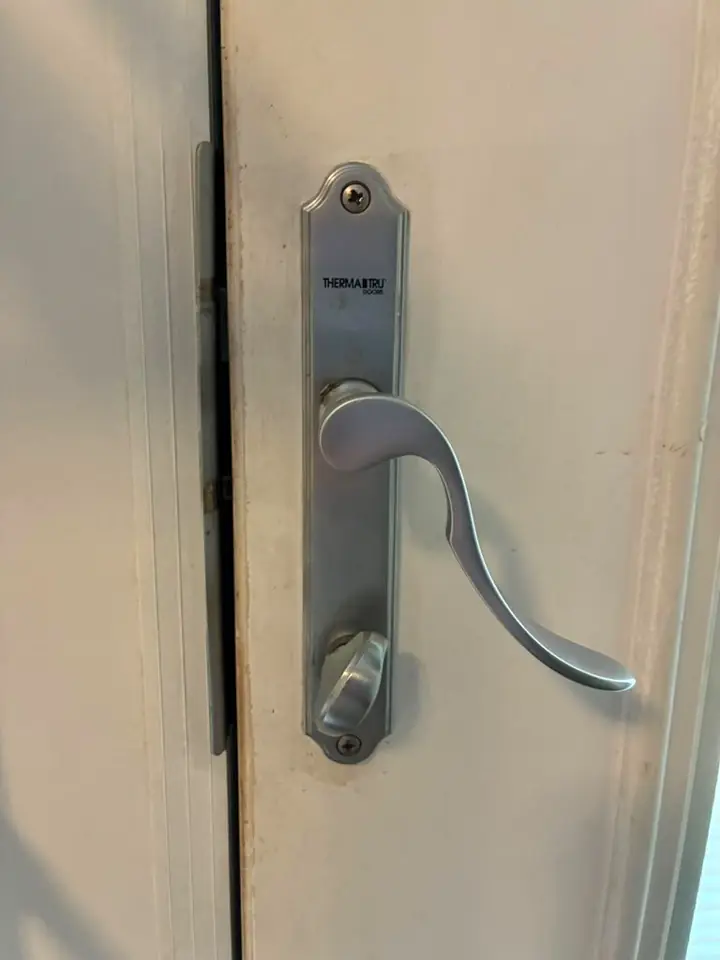
Photographed on our own jobs. No stock images.
Smart Lock Installation service area
We provide smart lock installation in Kirkwood, DE and the surrounding New Castle County area. The same crew that reaches Kirkwood also covers Bear and Glasgow; pick your town or call with your address.
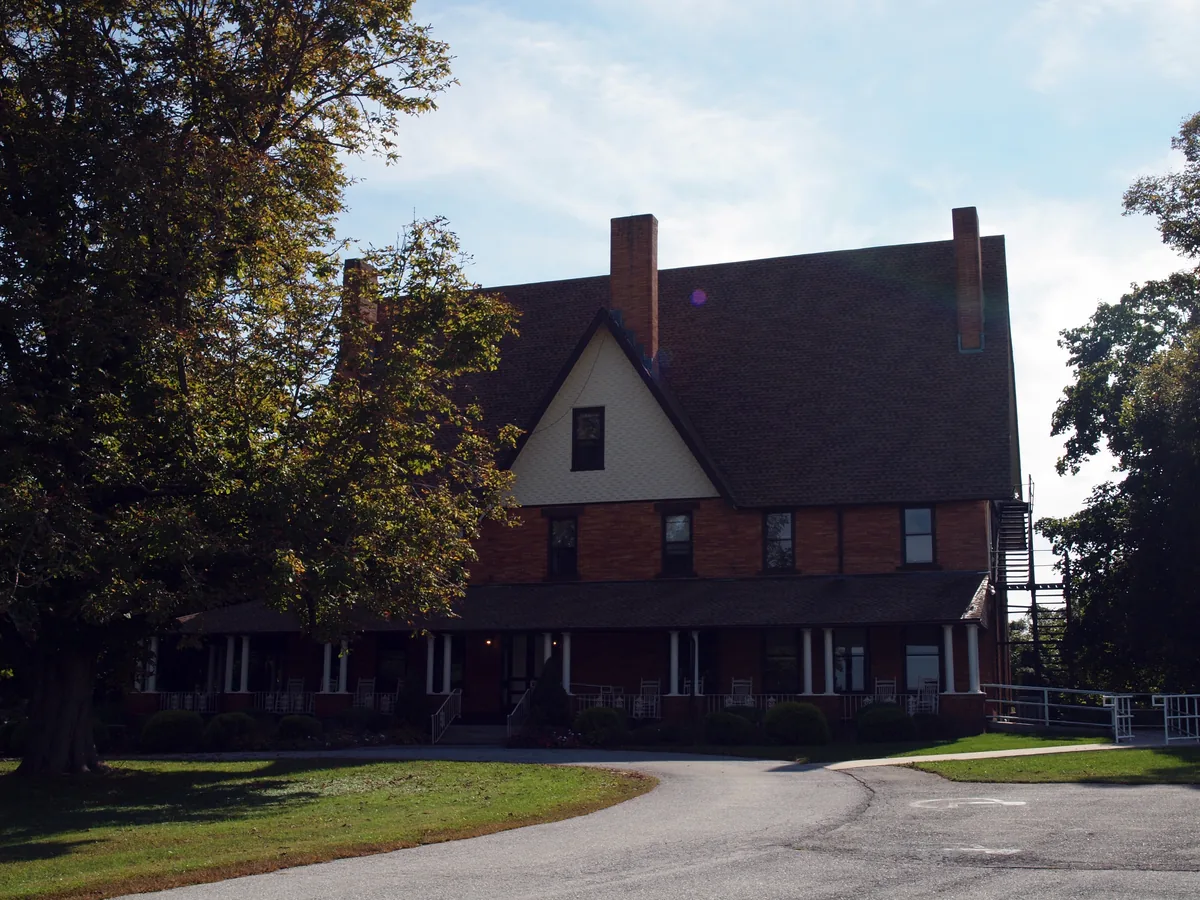
Smart Lock Installation in Kirkwood, DE
Residents in Kirkwood who want daytime convenience or tighter home access control often consider smart locks. This page explains what to expect when you choose smart lock installation in the 19708 area.
We serve Kirkwood, Delaware and the 19708 ZIP code as part of our New Castle County coverage. Neighboring towns we also serve include Bear, St. Georges, Glasgow, Newark, and New Castle. If you live near Bear or St. Georges and need an upgrade from a standard deadbolt to a smart lock, we can discuss options that work on common residential doors. For households closer to Glasgow or Newark, we bring the parts and tools needed to fit most smart deadbolts. Customers in New Castle often ask about integrating locks with existing home networks; we bring experience with common consumer brands and their setup steps.
Smart lock installation starts with checking the door thickness, existing deadbolt and latch, and the frame strike to ensure a secure fit. Many smart locks replace only the interior portion of a deadbolt while reusing the existing exterior key cylinder, which can preserve keyed backup while adding electronic features. Models vary: some offer Bluetooth-only control via a phone app, others use Wi‑Fi for remote access, and a few support both plus integration with voice assistants or home hubs. We explain whether your door needs a reinforced strike or longer screws for a stronger mount, and whether the lock requires a dedicated battery type so you can plan replacements. Connectivity considerations include the lock's need to see your home network or pair with a bridge device; we describe how that affects remote features and what steps you’ll take on your router or phone. After installation we test locking and unlocking from the exterior key, the interior thumbturn, and any electronic interfaces, then show you how to add and remove user codes or authorized devices. Finally, we leave clear instructions on routine checks and the signs that a battery change or recalibration may be needed.
What affects the cost
Cost depends on the lock model you choose and any door or frame work required to fit the new hardware. We quote prices by phone before starting work so you know what to expect.
- Lock model and features
- Need for additional hardware
- Door thickness or type
- Network bridge requirement
- Electrical or wiring needs
Worth knowing before you call
A common misconception is that smart locks always make a home less secure; in many cases a properly installed smart deadbolt offers equal or better physical security than a worn mechanical lock. If you worry about power, note that most smart locks run on replaceable batteries and include mechanical key backups for emergencies. For remote features, using a Wi‑Fi bridge adds convenience and lets you lock or unlock from away, but it also means you should secure your home network with strong passwords. Pairing locks only with trusted apps and enabling two-step authentication when available reduces the risk of unauthorized access. Compatibility matters: not every brand fits every door or trim, so choosing a model after an on-site assessment avoids surprises. Routine upkeep, such as replacing batteries before they are critically low and checking that deadbolts are aligned with the strike plate, prevents lockouts and preserves the electronics.
Before we arrive
A few simple steps at home make installation smoother and ensure the lock performs well. You do not need to clear out the whole entryway, but having basic access helps.
- Clear space around the door
- Have the old key handy if available
- Confirm Wi‑Fi password if remote access desired
- Ensure interior access to deadbolt area
If you live in Kirkwood and want a clear explanation of options and a written estimate, call (302) 551-2550 to discuss your door and needs. We will answer questions and schedule an assessment after you approve the quoted price. Call (302) 551-2550 from anywhere in Kirkwood, or read more about Smart Lock Installation across New Castle County and the rest of our service area, including Bear and Glasgow.
Typical smart lock installation jobs
- Smart deadbolt replacement
- Keypad lock installation
- Integrate Wi‑Fi bridge
- Reconfigure existing lock
- Reinforce strike plates
- Setup user codes
Nearby towns we serve
Smart Lock Installation in other towns near Kirkwood
In Kirkwood, DE, we offer professional smart lock installation to enhance your home security. Nearby areas such as Bear and Glasgow also benefit from our expert locksmith services, ensuring reliable access solutions throughout New Castle County.
New Castle County, DE — nearest to Kirkwood
- Bear, DE
- Glasgow, DE
- Newark, DE
- New Castle, DE
- Delaware City, DE
- Brookside, DE
- Christiana, DE
- Middletown, DE
- Wilmington, DE
- Odessa, DE
- Wilmington Manor, DE
- Stanton, DE
- Newport, DE
- Marshallton, DE
- Prices Corner, DE
- Pike Creek, DE
- Elsmere, DE
- Townsend, DE
- Hockessin, DE
- Greenville, DE
- Edgemoor, DE
- Bellefonte, DE
- Centerville, DE
- Talleyville, DE
- Arden, DE
- Claymont, DE
Delaware County, PA
- Chadds Ford, PA
- Garnet Valley, PA
- Boothwyn, PA
- Marcus Hook, PA
- Linwood, PA
- Trainer, PA
- Chester Heights, PA
- Aston, PA
- Glen Mills, PA
- Upland, PA
- Brookhaven, PA
- Parkside, PA
- Chester, PA
- Eddystone, PA
- Concordville, PA
- Lima, PA
- Wallingford, PA
- Woodlyn, PA
- Ridley Park, PA
- Media, PA
- Swarthmore, PA
- Folsom, PA
- Essington, PA
- Prospect Park, PA
- Norwood, PA
- Morton, PA
- Holmes, PA
- Folcroft, PA
- Glenolden, PA
- Secane, PA
- Springfield, PA
- Sharon Hill, PA
- Collingdale, PA
- Clifton Heights, PA
- Newtown Square, PA
- Aldan, PA
- Broomall, PA
- Colwyn, PA
- Drexel Hill, PA
- Darby, PA
- Lansdowne, PA
- Yeadon, PA
- East Lansdowne, PA
- Havertown, PA
- Upper Darby, PA
- Wayne, PA
- Haverford, PA
- Radnor, PA
- Villanova, PA
Chester County, PA
- Landenberg, PA
- Avondale, PA
- Lincoln University, PA
- West Grove, PA
- Kennett Square, PA
- Oxford, PA
- Nottingham, PA
- Toughkenamon, PA
- Cochranville, PA
- West Chester, PA
- Modena, PA
- South Coatesville, PA
- Coatesville, PA
- Thorndale, PA
- Atglen, PA
- Parkesburg, PA
- Downingtown, PA
- Sadsburyville, PA
- Lionville, PA
- Frazer, PA
- Exton, PA
- Malvern, PA
- Paoli, PA
- Berwyn, PA
- Devon, PA
- Glenmoore, PA
- Chester Springs, PA
- Honey Brook, PA
- Phoenixville, PA
- Kimberton, PA
- Elverson, PA
- Spring City, PA
Questions from Kirkwood customers
These are the questions people ask most before booking this service. If your Kirkwood question isn't here, call us — we'll answer it directly.
Can you install a smart lock on any Kirkwood front door?
Most residential doors in Kirkwood accept popular smart deadbolts, but we always inspect the door and frame first. Materials like very thick metal or certain glass-paneled designs sometimes need special parts. After assessing, we explain which models will work and whether additional changes are needed.
Do smart locks need a Wi‑Fi connection in Kirkwood to operate?
Not all smart locks require Wi‑Fi to perform basic locking and unlocking; many work locally over Bluetooth or with keypad codes. If you want remote access from outside your Kirkwood home, a Wi‑Fi bridge or a lock with built‑in Wi‑Fi is necessary. We describe the networking options and what to expect for remote features.
Will installing a smart lock void my Kirkwood home insurance policy?
Insurance concerns vary by provider, so check your policy or contact your agent if unsure. Most insurers consider modern deadbolts and properly installed smart locks to be an improvement in security. We provide documentation of the hardware and installation if your insurer requests it.
Can I keep using my existing keys in Kirkwood after installation?
Many smart lock designs allow you to keep and use your current keyed cylinder alongside the electronic functions. If you prefer to keep keys for backups or for guests, we explain which models support that arrangement. For homes in Kirkwood that require keyed entry, we select compatible options so both methods work.
How do I add or remove users from a smart lock?
Most locks let you add user codes directly at the keypad or through the accompanying app, and removal is typically done the same way. We demonstrate the process after installation so you know how to give temporary codes to guests or contractors. If your model uses an app, we also show how to manage users remotely when that feature is enabled.
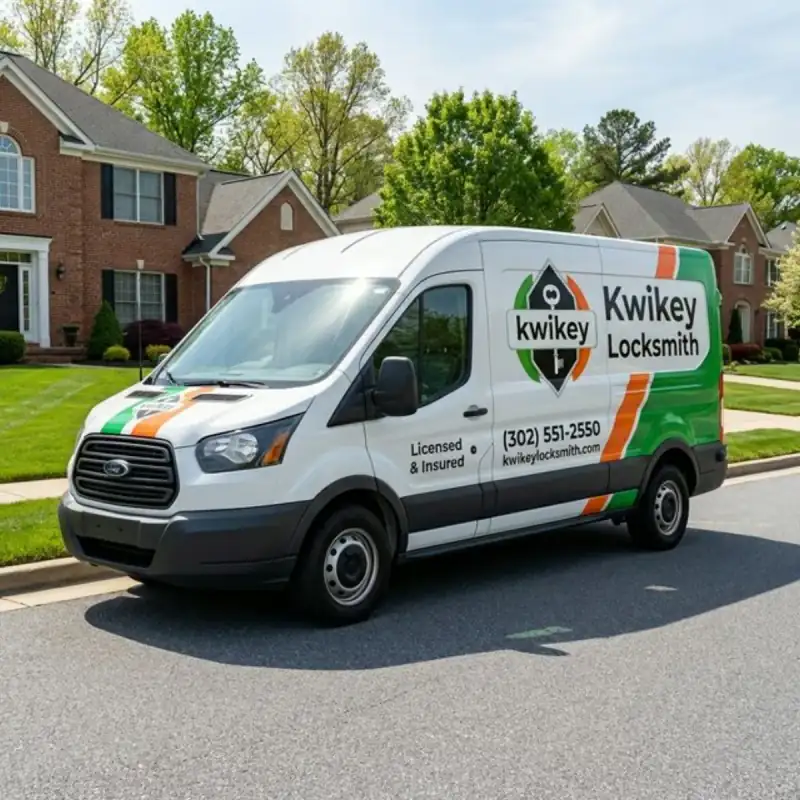
Kirkwood smart lock service
Call (302) 551-2550 to discuss smart lock brands and installation in Kirkwood, ZIP 19708. We provide a quote by phone and start work only after you accept it.