
Smart Lock Installation in Newark, DE Done Right
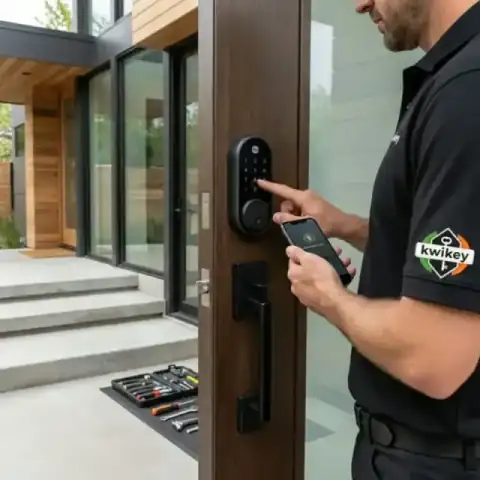
If you want a smart lock fitted on a Newark home, we can install and set it up so you can use codes, keys, and your phone. Our technician talks through compatibility and the options before any work begins.
- Insured & Vetted
- Mon-Thu & Sun 7:00AM-10:00PM, Fri 7:00AM-4:30PM
- Delaware + nearby PA
Who needs this
Homeowners who want keyless entry and remote control often choose a smart lock. People replacing older deadbolts, adding a second entry keypad, or integrating locks with a home system will also need this service.
Replacing a standard deadbolt
Upgrade your home security by installing a deadbolt that operates through your smartphone.
Adding keypad access
Install a keypad system that allows entry without carrying physical keys.
Linking to a smart hub
Connect your smart lock to a home automation system for centralized control.
Upgrading worn hardware
Swap out old lock components to improve reliability and modernize your entryway.
Create unique access codes for visitors to enter without sharing physical keys.
Call (302) 551-2550Dealing with this in Newark right now? We can usually reach Newark the same day you call.
(302) 551-2550How a visit works
- 1
Initial check
Technician inspects the existing lock and door hardware to confirm compatibility and note any additional parts that may be needed.
- 2
Confirm options
We review features such as keypad, Bluetooth, Wi‑Fi bridge, and encryption level so you choose the right setup for your home.
- 3
Install and fit
The lock is mounted, aligned, and secured to the door; we install any wiring or bridge hardware required for remote access.
- 4
Programming
Codes, user profiles, and any app connections are set up; you receive a walkthrough on how to use and manage the lock.
 Tested before handoff
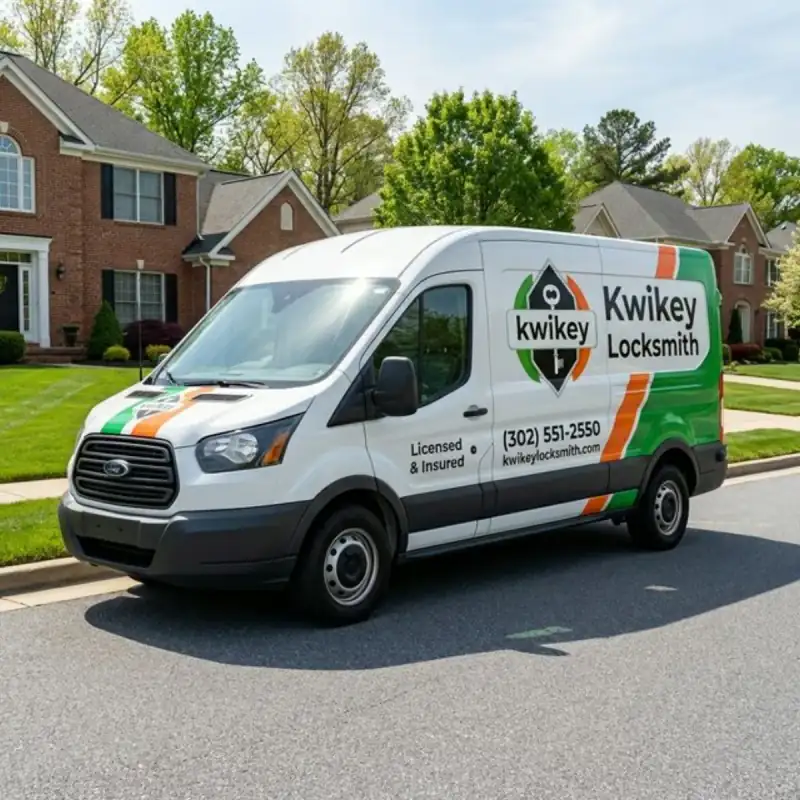
 Work from our own vans
Photos from jobs our technicians have finished across Newark and the rest of the service area. Every image below is our own work, taken on site.
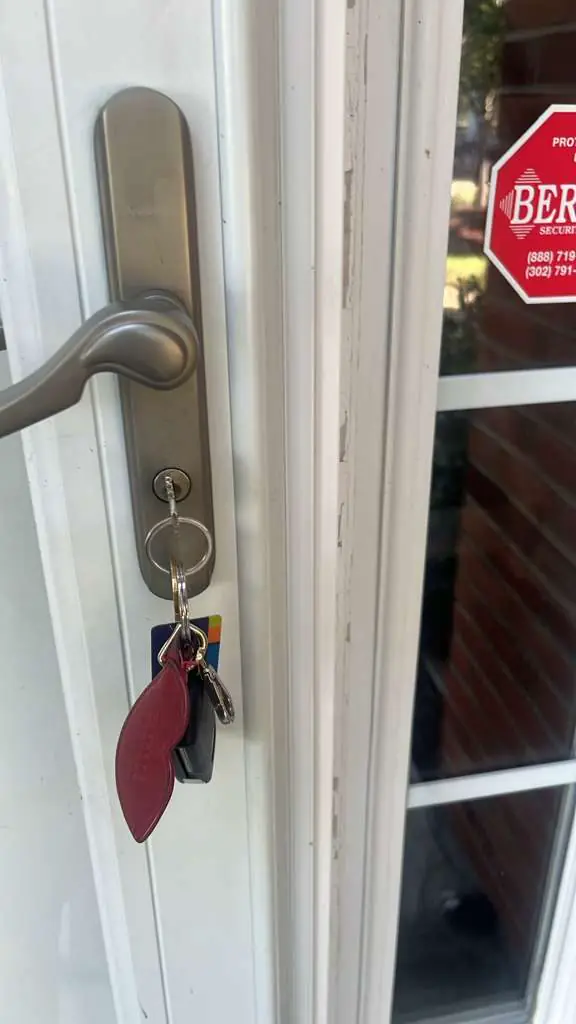
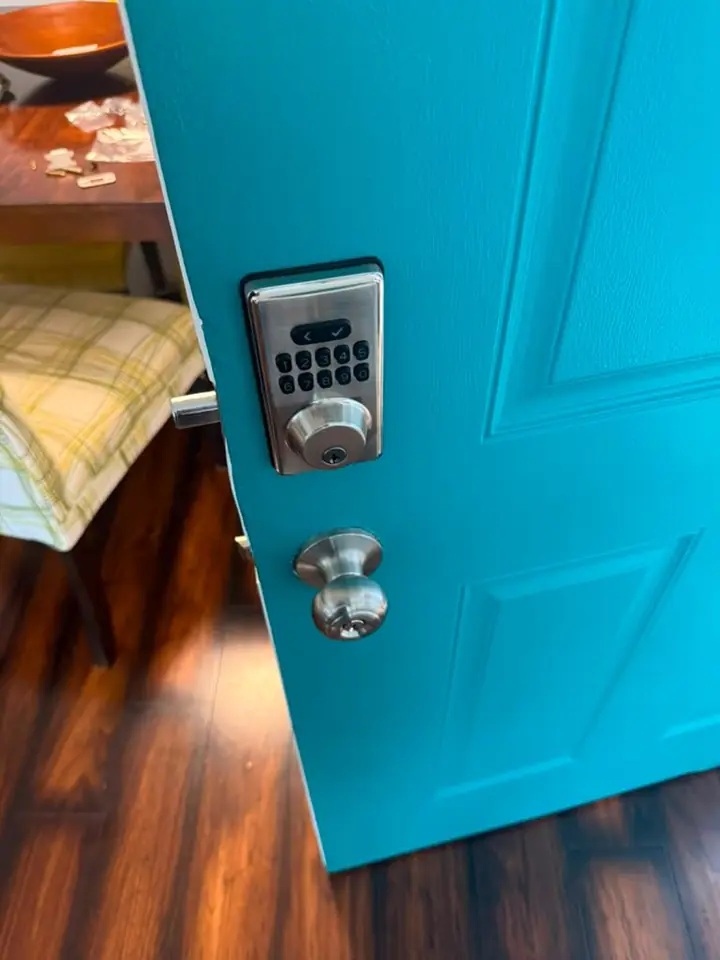
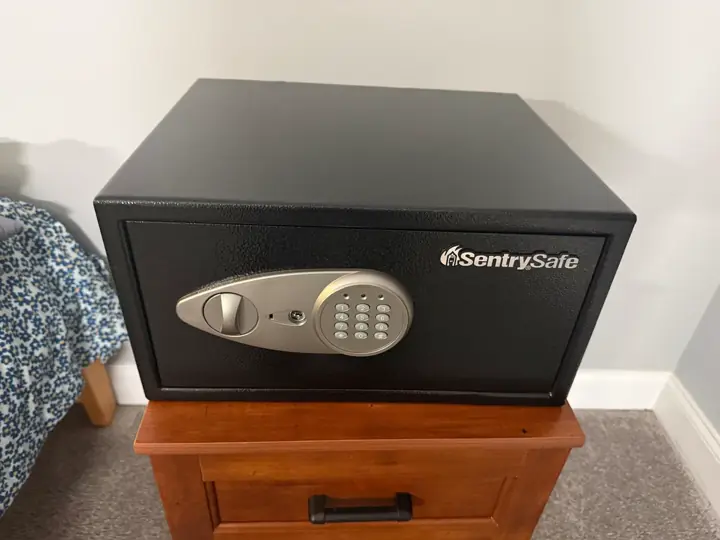
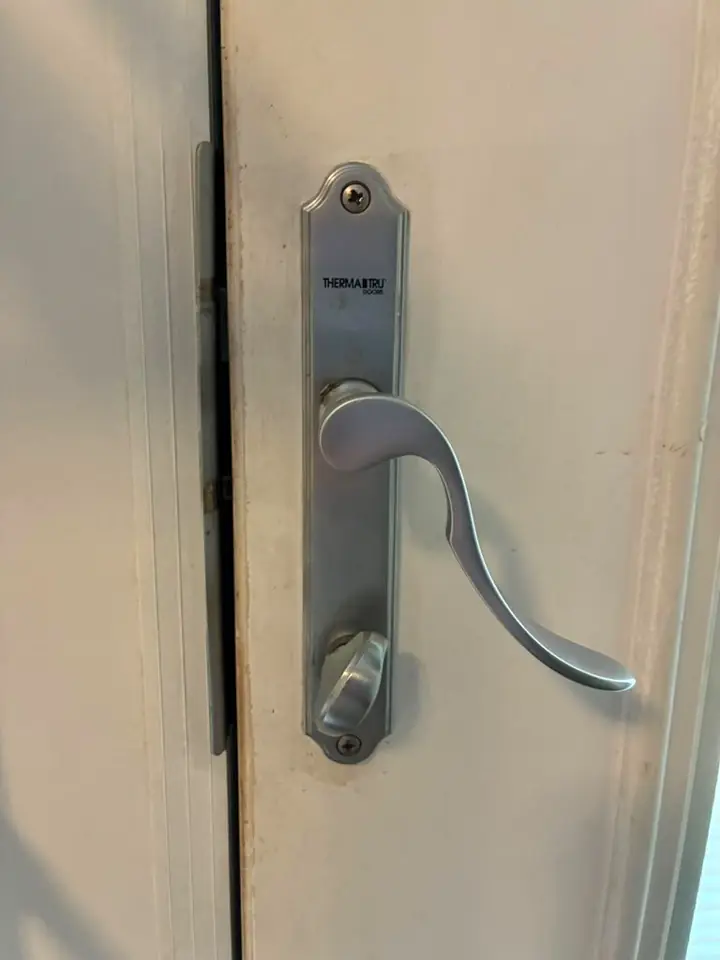
Photographed on our own jobs. No stock images.
Smart Lock Installation service area
We provide smart lock installation in Newark, DE and the surrounding New Castle County area. The same crew that reaches Newark also covers Bear and New Castle; pick your town or call with your address.
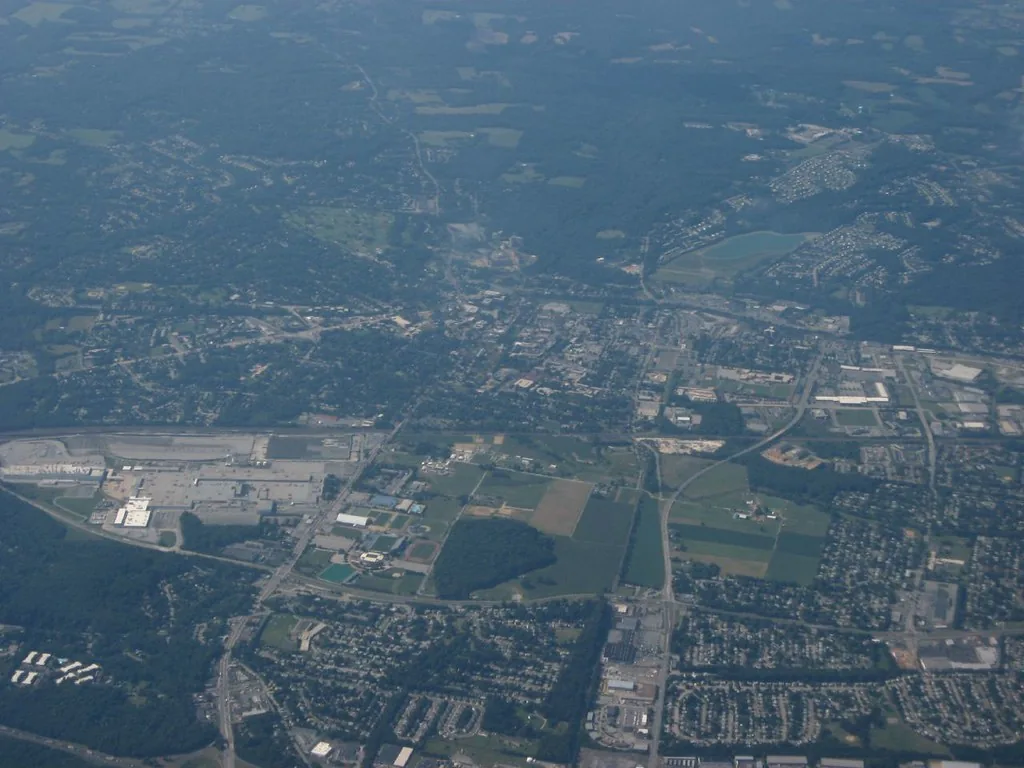
Smart Lock Installation in Newark, DE
If a smart lock is what you want for your Newark property, we handle residential installations from basic keypads to app-connected deadbolts. Call to describe the lock you have or the features you want so the technician brings the right supplies.
Our service covers Newark and the ZIP codes that customers in the area use, including 19702, 19711, 19712, 19713, 19714, 19715, 19716, 19717, 19718, 19725, and 19726. We also serve nearby communities such as Bear, New Castle, Kirkwood, St. Georges, and Delaware City. Whether your address is inside the city or on a street that feels more suburban, we work in the same way. You can call the number on this page to discuss the right lock and any bridge or hub you plan to use. Parts and compatibility are checked up front so the visit is focused on installation and setup. We follow manufacturer recommendations so warranty coverage is preserved wherever possible.
Smart lock installation in a residential setting has a few straightforward parts to it. First, the physical fit matters; the bore of your door and the backset must match the lock or be adapted with the correct plate and screws. Second, battery access and terminal orientation are confirmed so the lock remains serviceable without removing the strike. Third, when a lock needs a Wi‑Fi bridge or a Z‑Wave module, that component is positioned for reliable signal and power management. Fourth, we test deadbolt alignment under different door conditions: closed, latched, and after temperature changes; adjustments are made to the strike plate and latch as needed. Fifth, user setup covers programming master codes, adding secondary codes for family or service providers, and explaining lock history or audit features if your model supports them. Sixth, when an app connection is part of the system we walk you through account setup, two‑factor options, and how to revoke access if a phone is lost. Finally, we show how to return the lock to mechanical override in case of power or network failure and recommend a battery type to reduce maintenance surprises.
What affects the cost
What affects the price are factors like the lock model, necessary adapters, and any extra modules such as Wi‑Fi bridges or smart‑home interfaces. We give a clear quote on the phone after you describe the lock and door so there are no surprises once work begins.
- Lock model and grade
- Need for adapter plates
- Wi‑Fi or Z‑Wave module
- Complex door hardware
- Additional keys or modules
Worth knowing before you call
A common misconception is that any smart lock will fit every door; compatibility varies with bore size, backset, and trim, so confirming the model matters. Another point to keep in mind is that batteries provide power to most smart locks, and the lock should be tested on fresh batteries before leaving it alone. If you plan to use remote access through Wi‑Fi, consider where the bridge will live so the signal reaches the lock reliably. Integration with a larger home system is possible for many brands, but the hub requirements differ and may need extra parts. Make sure you record master codes in a secure place rather than relying solely on a single phone login. Mechanical override is not a backup to ignore; know where the key or thumb turn is located and how to operate it if electronics fail. Finally, when buying a new lock, ask about the deadbolt grade and weather resistance to match your door’s exposure.
Before we arrive
A little preparation on your part makes the visit smoother. Gather information about the lock model and the door type so the technician can advise before arriving.
- Locate the lock brand and model
- Note which door the lock is on
- Have any purchase receipts handy
- Charge the smartphone for app setup
If you have questions about a particular smart lock or want to confirm compatibility with your Newark door, call us and we’ll help you decide. We’ll explain the options and give a clear quote over the phone before any work starts. Call (302) 551-2550 from anywhere in Newark, or read more about Smart Lock Installation and our Newark coverage.
Typical smart lock installation jobs
- Install backset adapters
- Mount Wi‑Fi bridge
- Fit keypad deadbolt
- Replace worn strike plates
- Program user codes
- Sync lock with hub
Nearby towns we serve
Smart Lock Installation in other towns near Newark
Smart lock installation is available in Newark, DE, providing secure access solutions for your home or business. We also serve nearby communities, including Bear, New Castle, Kirkwood, and Delaware City, ensuring convenient service throughout New Castle County.
New Castle County, DE — nearest to Newark
- Bear, DE
- New Castle, DE
- Kirkwood, DE
- Delaware City, DE
- Wilmington, DE
- Christiana, DE
- Glasgow, DE
- Brookside, DE
- Wilmington Manor, DE
- Stanton, DE
- Newport, DE
- Marshallton, DE
- Middletown, DE
- Prices Corner, DE
- Elsmere, DE
- Odessa, DE
- Pike Creek, DE
- Hockessin, DE
- Greenville, DE
- Edgemoor, DE
- Bellefonte, DE
- Townsend, DE
- Talleyville, DE
- Centerville, DE
- Arden, DE
- Claymont, DE
Delaware County, PA
- Chadds Ford, PA
- Garnet Valley, PA
- Boothwyn, PA
- Marcus Hook, PA
- Linwood, PA
- Trainer, PA
- Aston, PA
- Chester Heights, PA
- Glen Mills, PA
- Upland, PA
- Brookhaven, PA
- Parkside, PA
- Chester, PA
- Eddystone, PA
- Concordville, PA
- Lima, PA
- Wallingford, PA
- Woodlyn, PA
- Ridley Park, PA
- Swarthmore, PA
- Media, PA
- Folsom, PA
- Essington, PA
- Prospect Park, PA
- Norwood, PA
- Morton, PA
- Holmes, PA
- Folcroft, PA
- Glenolden, PA
- Secane, PA
- Springfield, PA
- Sharon Hill, PA
- Collingdale, PA
- Clifton Heights, PA
- Aldan, PA
- Newtown Square, PA
- Broomall, PA
- Colwyn, PA
- Drexel Hill, PA
- Darby, PA
- Lansdowne, PA
- Yeadon, PA
- East Lansdowne, PA
- Havertown, PA
- Upper Darby, PA
- Wayne, PA
- Haverford, PA
- Radnor, PA
- Villanova, PA
Chester County, PA
- Landenberg, PA
- Avondale, PA
- Kennett Square, PA
- Lincoln University, PA
- West Grove, PA
- Toughkenamon, PA
- Oxford, PA
- Nottingham, PA
- Cochranville, PA
- West Chester, PA
- Modena, PA
- South Coatesville, PA
- Thorndale, PA
- Coatesville, PA
- Downingtown, PA
- Parkesburg, PA
- Atglen, PA
- Lionville, PA
- Sadsburyville, PA
- Frazer, PA
- Exton, PA
- Malvern, PA
- Paoli, PA
- Berwyn, PA
- Devon, PA
- Glenmoore, PA
- Chester Springs, PA
- Honey Brook, PA
- Phoenixville, PA
- Kimberton, PA
- Elverson, PA
- Spring City, PA
Questions from Newark customers
These are the questions people ask most before booking this service. If your Newark question isn't here, call us — we'll answer it directly.
Will any smart lock fit my Newark door?
Not always. Doors differ in bore size, backset, and trim profile, and some smart locks need adapter plates or specific strike preparations. Describe your door and the lock brand and model when you call so the technician can confirm compatibility and bring alternatives if needed.
Can a smart lock be opened with a physical key in Newark?
Many residential smart locks include a mechanical key override or internal thumb turn for manual operation. We explain how to use the mechanical option during the visit and show you where emergency access is located in case batteries die or electronics fail.
Will the smart lock work with my phone and home hub?
Some locks connect directly to a phone using Bluetooth, and others require a Wi‑Fi bridge or a Z‑Wave module for hub integration. Tell us which hub or platform you use so we can fit the correct bridge and confirm app setup during the visit.
What batteries do smart locks use in Newark households?
Battery requirements depend on the lock model; many use AA alkaline cells while others use proprietary packs. We check the battery type during installation and recommend a reliable brand and replacement interval based on the model.
Can you program multiple user codes for our family in Newark?
Yes. Most residential smart locks support several user codes and often track usage depending on the model. During installation we program master and secondary codes, show how to add or remove users, and advise on secure code practices.
Smart Lock Service — Newark
Call (302) 551-2550 to describe the lock model and your door so we can confirm parts and give a phone quote. We will answer questions and book a visit when you are ready.